
Google Play Store PC
Google Play is Google's digital distribution platform. On Windows, Google offers Play content through the browser and Google Play Games on PC.
52.9 MB

RoboForm is a password manager for Windows from Siber Systems that stores passwords and fills in logins and forms for you.
Average 0.0 · ratings: 0
Thank you! Your rating is saved; you can change it. Could not save the rating. Please try again later. Too many ratings from your network today. Please try again tomorrow. The average appears after 5 ratings.
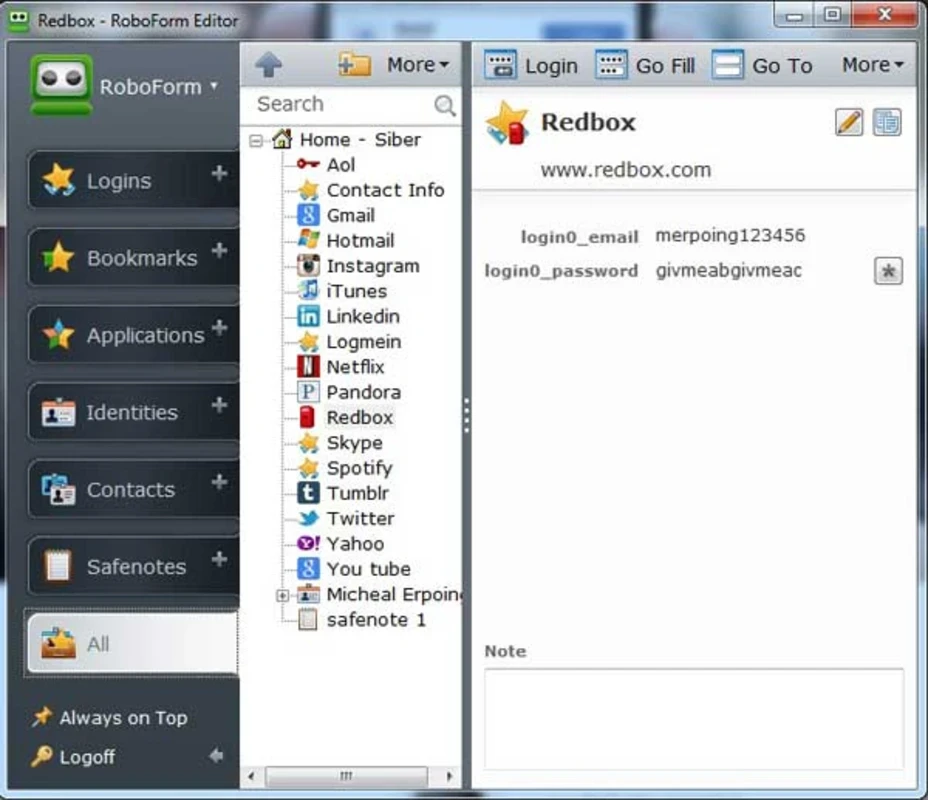
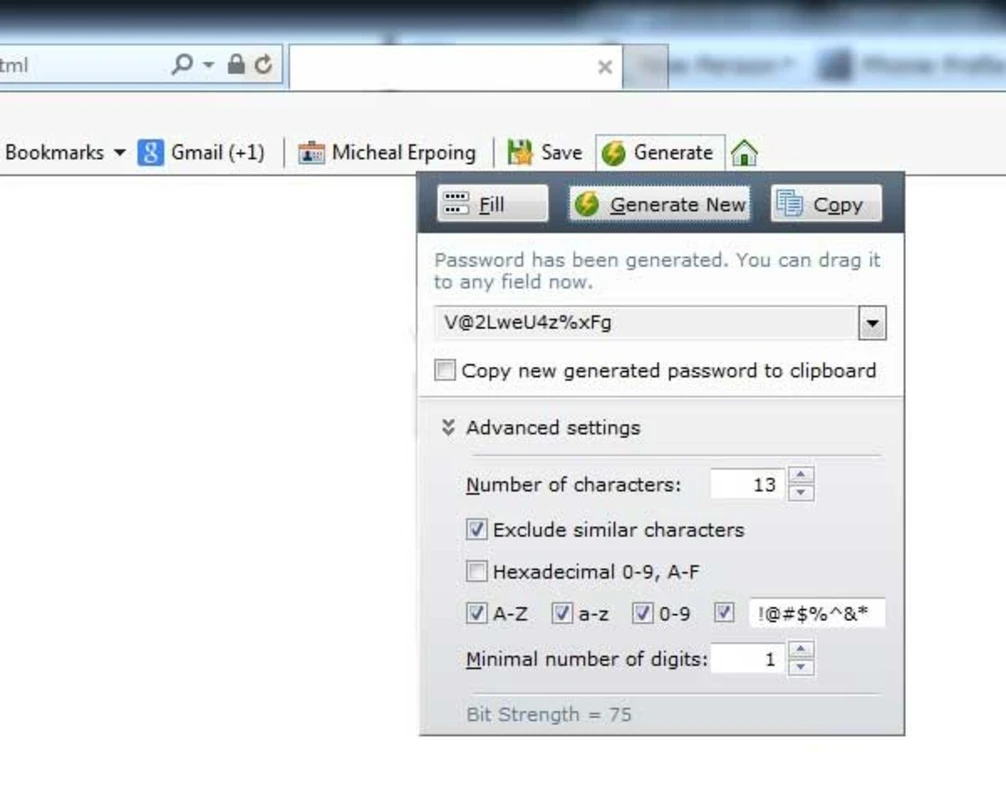
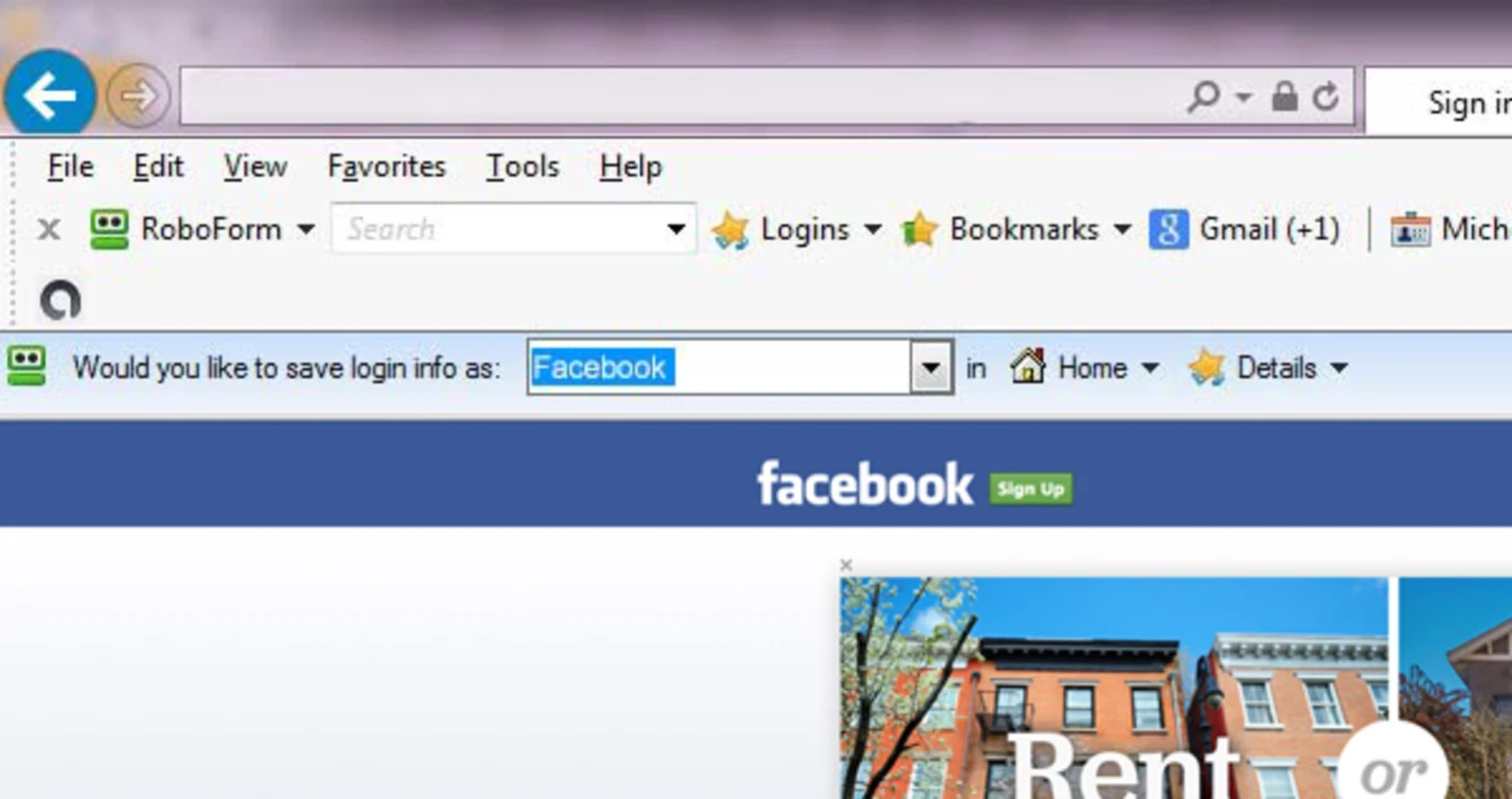
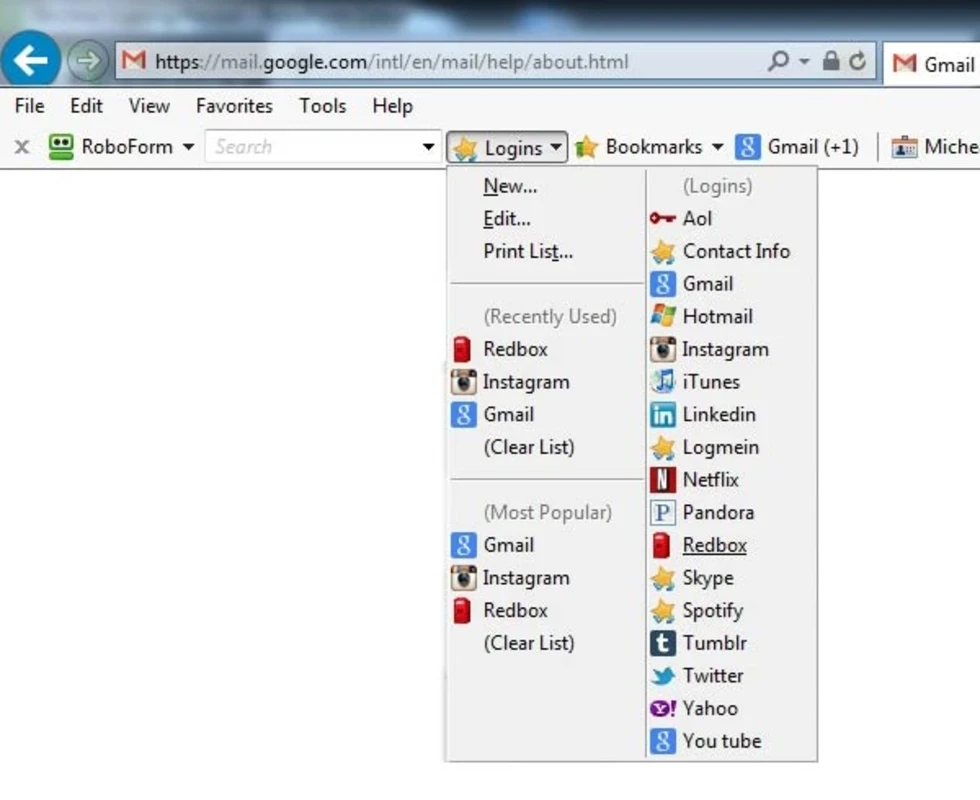
RoboForm 9.9.7.8 is a password manager for Windows from Siber Systems. It stores your passwords in an encrypted vault and fills in logins and web forms for you, and you can download RoboForm from the official website together with extensions for Chrome, Edge and Firefox.
A password manager solves a problem everyone has: too many accounts and too many passwords to remember. Instead of reusing the same password everywhere, you let RoboForm remember a unique one for each site and fill it in when you log in. You only need to remember one strong master password that unlocks the vault. RoboForm is a long-established product in this category, with versions for desktop and mobile devices. The practical benefit is security as much as convenience: if one website leaks its passwords, attackers cannot use yours on other sites, because every password is different.
The version listed here is 9.9.7.8. Siber Systems publishes updates for the browser extensions on its extension news page; the desktop program updates through its own installer.
| Item | Details |
|---|---|
| Version | 9.9.7.8 |
| Developer | Siber Systems Inc |
| Platform | Windows; browser extensions for Chrome, Edge and Firefox |
| Price | free to download |
| Size | about 49.67 MB according to catalogue data |
Use a long passphrase of several unrelated words that you can remember but others cannot guess, and do not use it anywhere else. Write it on paper and keep it somewhere safe at home until you know it by heart. If the service offers two-factor authentication for the account, turn it on.
For most people it is safer than the alternatives, such as reused passwords or notes in a text file. The vault is encrypted and protected by your master password. Keep the computer free of malware, lock it when you step away, and download RoboForm and its extensions only from official sources.
Our listings include Folder Lock for protecting files, and the browsers Google Chrome, Microsoft Edge and Mozilla Firefox, which have their own built-in password storage.
Google Play is Google's digital distribution platform. On Windows, Google offers Play content through the browser and Google Play Games on PC.
Media Creation Tool is a free Microsoft utility that downloads Windows and turns it into a bootable USB flash drive or an ISO file.

LDPlayer is an Android emulator for Windows that runs mobile apps and games on a computer.

BlueStacks is an Android emulator for Windows that lets you run Android apps and games on your PC.
Rufus is a free Windows utility that turns a USB stick into a bootable installer. The current version is 4.15.

PC App Store is a free software store for Windows from Baidu for finding, installing and updating PC programs. This page covers version 5.0.1.8682.

Uptodown App Store for Windows is the desktop client of Uptodown, a marketplace for desktop software and mobile apps. This page covers version 1.0.3.

NoxPlayer is a free Android emulator from Bignox for Windows and macOS that runs mobile games and apps on a computer with keyboard and mouse control.